
admin.fts-ksa.com
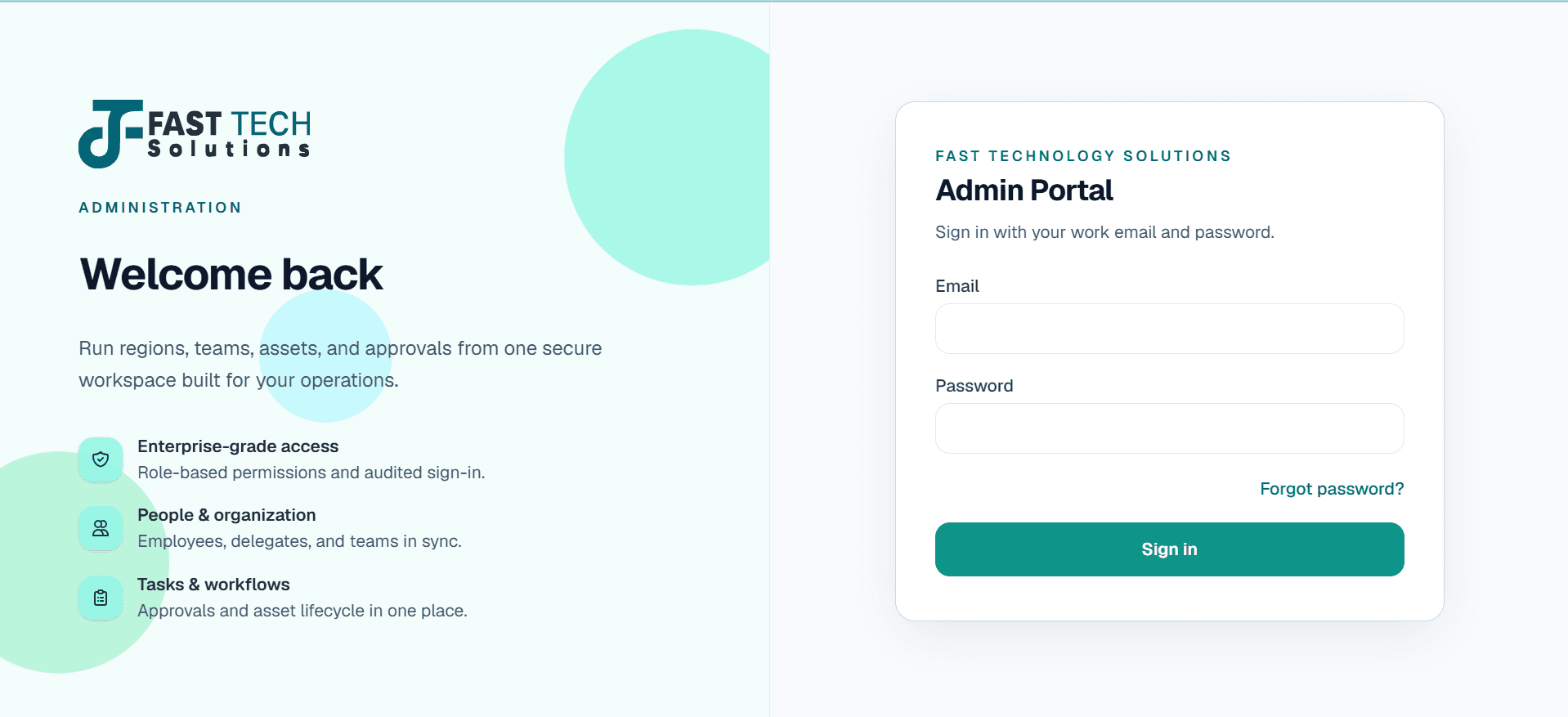 Login
LoginCompany-wide administration — workforce, assets, projects, and operational oversight in one secure web console.
- Workforce and access management
- Asset and equipment visibility
- Operational oversight across sites
FTS runs its own internal systems — not paper trails and chat groups. Staff and leadership work through dedicated web portals and one native mobile app built for field and office operations.
Web portals
Leadership runs the Admin Portal at admin.fts-ksa.com. Field and office staff use the Employee Portal at employee.fts-ksa.com — same data, different roles.
LoginCompany-wide administration — workforce, assets, projects, and operational oversight in one secure web console.
 Login
LoginDay-to-day work for FTS employees — tasks, assets, and site workflows from browser or phone.
Portal screens
Login and dashboard views — identifiable details are obscured on live dashboards.
01 / 04
Admin Portal — login
Mobile
One application for Admin & Employee
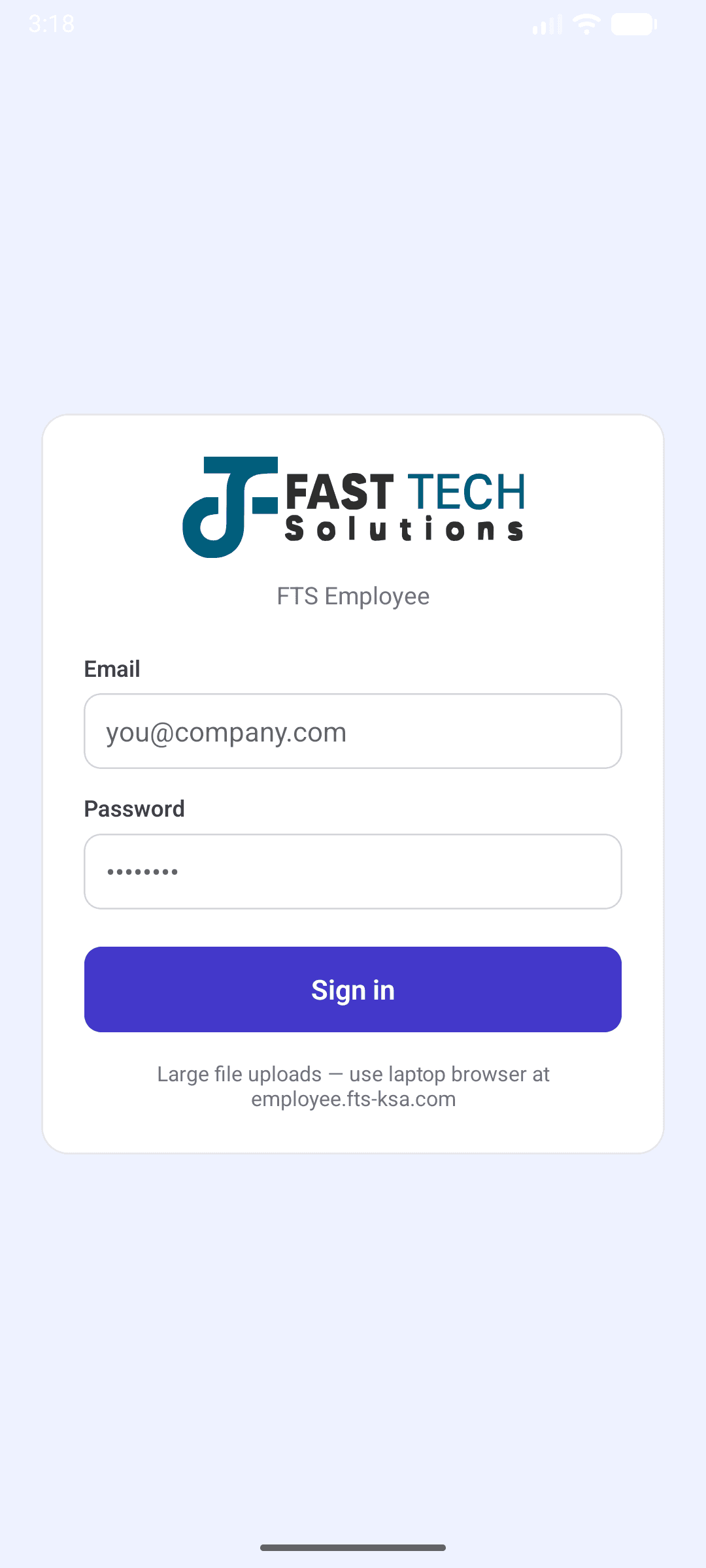
One application for both Admin and Employee. Sign in with company credentials — the app opens the workspace that matches your access. Native on iOS and Android.
Admin workspace
Approvals, workforce management, asset oversight, and project control — the complex side of FTS on your phone.
Employee workspace
Assigned tasks, asset receipt and returns, and site workflows — lighter, focused, built for the field.
Sign in with company credentials issued by administration — available on iPhone and Android.


App screens
01 / 03
Sign in
Portal and app logins are issued by FTS administration. Staff can request access through their supervisor or the careers / contact channels.


